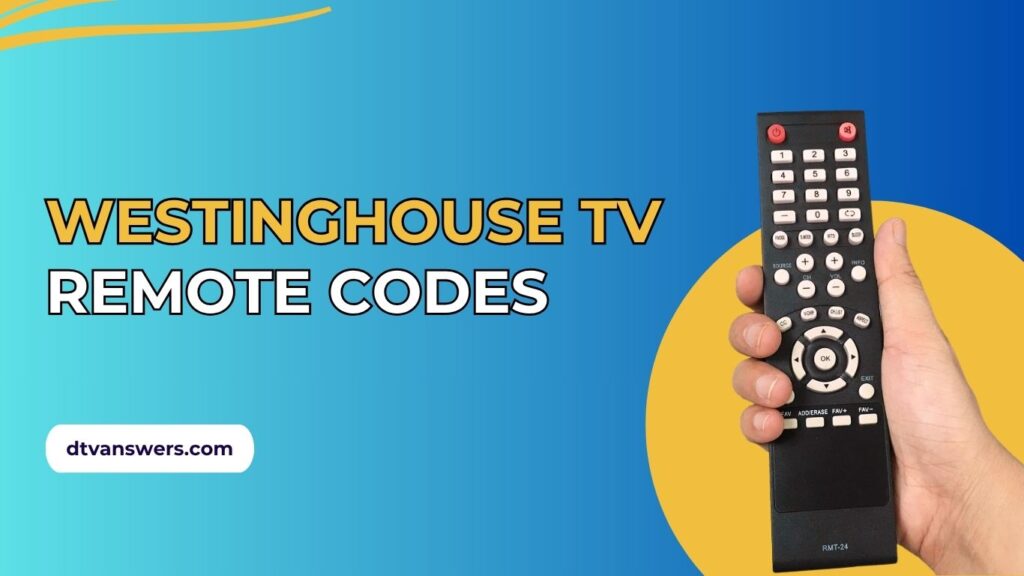
Can’t change the channel or adjust the volume because your remote’s gone rogue? No stress. We’ve rounded up the most reliable 3-digit, 4-digit, and 5-digit Westinghouse TV universal remote codes. Easy programming methods for all Westinghouse models, including smart TVs powered by Roku or Fire TV, are also included. Let’s make your remote smart again!
In This Article:
All Westinghouse TV Codes
All-in-one Codes
These are versatile codes compatible with universal remotes labeled “All-In-One.” They offer broad compatibility for various Westinghouse TV models:
- 0002
- 0027
- 0478
- 0912
- 0916
- 3241
3-digit Remote Codes
Commonly used with older remotes or simpler universal models. Try these first if your remote only accepts 3-digit inputs:
- 808
- 795
- 553
- 003
- 574
- 797
- 500
- 697
- 551
4-digit Remote Codes
These are among the most widely accepted and frequently used codes across many remote brands:
- 1901
- 0915
- 1216
- 4797
- 1217
- 1146
- 0143
- 0013
- 2281
- 3241
- 0885
- 1027
- 1433
- 1454
- 5054
- 1336
- 1300
- 0114
- 0889
- 1577
- 2141
- 1712
- 1367
- 0890
- 1430
- 3411
- 5981
- 0002
- 1489
- 1282
- 1019
- 0451
- 5237
- 5981
- 1367
5-digit Remote codes
These are designed for newer universal remotes and smart TV compatibility. They offer enhanced functionality:
- 11282
- 12536
- 13382
- 10890
- 17133
- 12397
- 10000
- 11300
- 13094
- 13579
- 13907
- 10885
- 13949
- 12499
- 11577
- 10451
- 12824
- 10889
- 13470
- 12293
- 12438
- 10890
- 11712
- 19016
- 13908
- 11217
- 12195
- 18535
Westinghouse TV Universal Remote Codes For Different TV Service Providers
These codes are used to sync Westinghouse TVs with cable or satellite provider remotes:
DirecTV
- 10000
- 11100
- 10834
Xfinity/Comcast
- 10000
- 10451
- 10885
- 11712
- 11756
- 12434
- 10706
- 13579
AT&T
- 119
- 109
- 112
- 000
Dish Network
| Remote Type | Compatible Codes For Westinghouse TV |
| EZ Series Remote | 500, 578, 619, 622, 629, 690 |
| Blue Button Remote | 69, 622, 685, 686, 687, 688 |
| Platinum Plus Remote | 500, 578, 609, 619, 622, 690 |
| Platinum Remote | 500, 578, 609, 619, 622, 690 |
| DISH Model 322 | 500, 578, 640, 670, 690 |
| DISH 811 / DVR-522 / 921 | 500, 578, 640, 670, 690 |
Remote Codes for Westinghouse Smart TVs
Smart TVs from Westinghouse, especially those using Roku or Fire TV OS, require specific codes or alternative methods:
- Fire TV OS: Use 00683 for programming.
- Roku OS: Use a valid code for basic control (power, volume, input). For advanced navigation (home, menu, arrows), use remotes supporting expanded Roku functionality or the Roku mobile app.
3 Methods To Program Universal Remote Codes For Westinghouse TV
Manual Code Entry
Use this method when you have a working remote code ready.
- Power on your Westinghouse TV using its physical button.
- Point the universal remote at the TV.
- Press the TV button on your remote (if available).
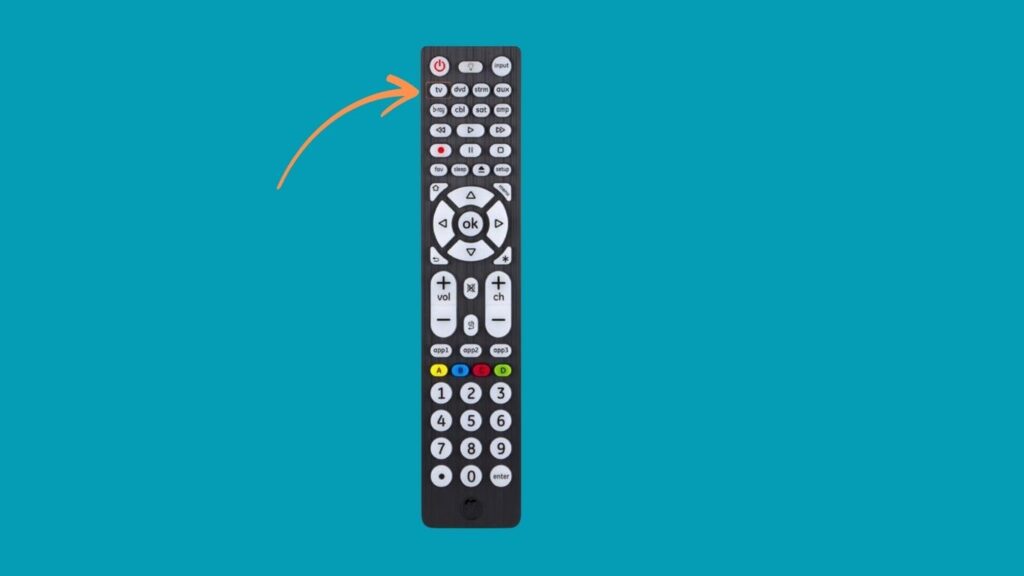
- Press and hold the Setup or Program button until the LED blinks.
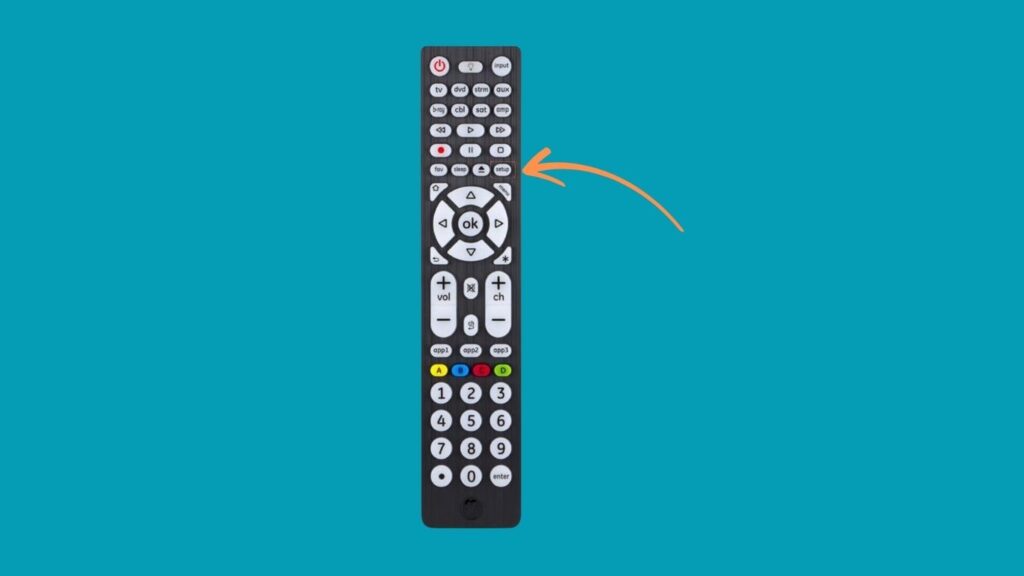
- Enter a valid 3, 4, or 5-digit code using the number buttons.

- If the LED turns off or blinks twice, the code is accepted.
- Test the Power button. If the TV turns off, the setup is successful.
- Verify other buttons like Volume, Channel, and Input work properly.
The 9-9-1 Method
You can also let your remote automatically find the correct code.
- Turn on your TV.
- Press and hold the Setup button until the LED remains on.

- Enter 9-9-1 using the remote keypad.

- Press and hold both the Power and Channel Up buttons until the TV turns off.

- When it does, release the buttons to save the code.
This approach is very effective across a wide range of remotes and is a reliable fallback if you don’t have the manual or code list available.
Auto-Search Programming Method
Most universal remotes include an auto code search feature that cycles through all possible remote codes until it finds one compatible with your TV. Here’s how to do it:
- Turn on your Westinghouse TV manually.
- Press and hold the TV button on the remote until the LED indicator lights up.
- While aiming the remote at the TV, press CH+ and CH− repeatedly.
- Wait for the TV to power off; this indicates the remote has found a working code.
- Press the Power button again to turn the TV back on.
- Confirm functionality by testing the Volume and Input buttons.
- Press the Device/Enter button to save the code. The LED will blink twice if successful.
Note: This method may take longer than manual input, especially with older remotes or large code libraries.
Extra Tips for Successful Programming
- Always use fresh batteries in your remote.
- Ensure there’s a clear line of sight between the remote and the TV sensor.
- If a code doesn’t work, try alternative codes from the 3, 4, or 5-digit list above.
- For Smart TVs (Roku or Fire TV editions), some functions may be limited unless using platform-specific remotes.
Other Ways To Program Westinghouse TVs
If you’re unable to find a working code from the universal remote code list above, there are alternative methods to program your remote to your Westinghouse TV.
Use a Smart Remote App
For Westinghouse Roku TVs or Fire TV models, your smartphone can function as a remote:
For Roku-based TVs:
- Download the Roku Mobile App (available on iOS and Android).
- Connect your phone to the same Wi-Fi network as the TV.
- Use the app to control power, navigation, volume, and more.
For Fire TV editions:
- Install the Amazon Fire TV Remote App.
- Pair with your Westinghouse Fire TV using on-screen instructions.
These apps are ideal if your physical remote is lost or non-functional and you can’t find a compatible universal code.
Voice Control and Assistant Integration
If your Westinghouse TV is smart-enabled, you can also link it with Alexa or Google Assistant. This allows control of your TV via voice commands, bypassing the need for traditional remotes altogether.
Consider a Remote with Auto-Detection
Higher-end remotes like the Logitech Harmony series automatically detect your TV brand and model through a computer or mobile app. These remotes rarely require manual code entry and support thousands of devices, including Westinghouse TVs.
Pro Tip: If none of these methods work and you still can’t control your TV, consider doing a factory reset using the pinhole reset button on the back of the TV. Then, repeat the programming process from scratch.
See More Universal Remote Code List For TV Types: