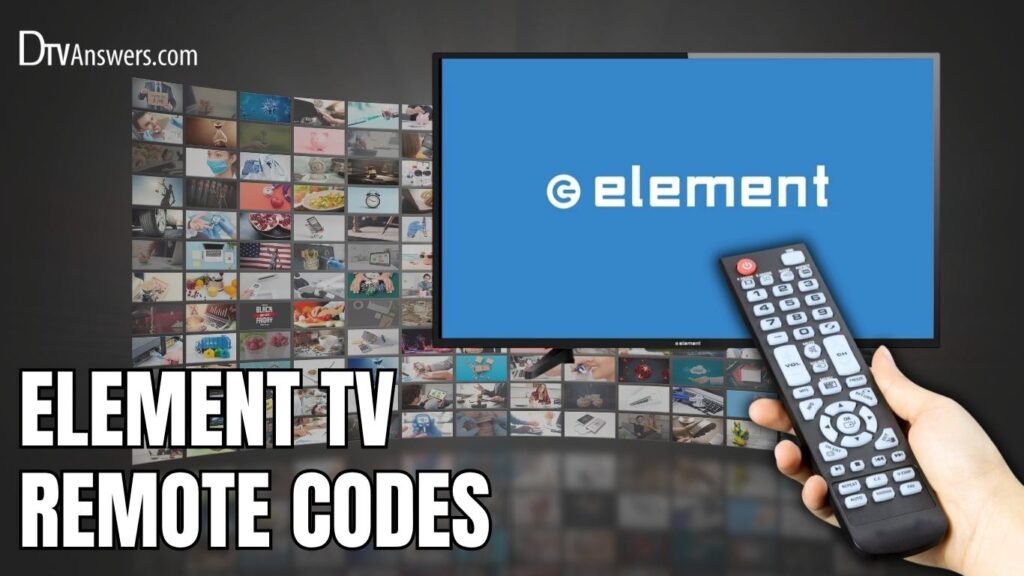
Programming a universal remote to your Element TV ensures you can control your television using a single remote, even if the original is lost or broken. The question is? What are the Element TV codes to use? Below is a list of compatible codes you can try!
In This Article:
TV Codes For Element TV
Common Element TV Program Codes
A heads-up: Most old Element remote controls are compatible with 3-digit codes, while more modern models can be paired with 4-digit ones. If you’re using a smart Element TV remote, 5-digit codes are the way to go.
| Universal Remote Codes | |
| 3-Digit Codes | 076, 505, 151, 004, 535, 914, 127, 506, 048, 238, 168, 096, 705, 153, 568, 247, 999, 005, 575, 110, 046, 154, 669, 121, 526, 494, 252, 051 |
| 4-Digit Codes | 1407, 1756, 5341, 0178, 2434, 1651, 1431, 4910, 5411, 1065, 2256, 1228, 5831, 0020, 1598, 2964, 1025, 1437, 1886, 5353, 0911, 2183, 4635, 1104, 5471, 1687, 2511, 0281, 1918, 5421, 4111, 1507, 0706, 3183, 2049, 1398, 2360, 5361, 4217, 0081, 2801, 1718, 4401, 6021, 0571, 3559, 5841, 1204, 2401, 1444 |
| 5-Digit Codes | 11523, 12260, 11864, 10156, 13656, 11993, 14175, 12049, 14254, 11568, 10885, 12964, 11147, 14660, 11687, 10261, 13559, 12256, 14023, 10178, 14156, 11524, 12183, 10916, 11068, 14217, 18358, 12360, 13907, 11756, 10862, 14398, 12434, 13183, 12559, 11886 |
Element Universal Remote Codes For Different Remote Brands
This table provides a fast and accessible way to find the appropriate Element TV code for your remote brand. Simply match your remote model and test the codes until one successfully programs your TV.
| Remote Brand | Remote Codes |
| GE | 1173, 5341, 5831, 0081, 2401, 1651, 1091, 6021, 1025, 5361, 4111, 5471, 5411, 5421, 5841 |
| DirecTV | 10178, 12434, 12183, 11687, 10885, 10818, 13559, 12964, 11756, 12049, 12360, 11886, 10706 |
| One For All | 2964, 1687, 2049, 3183, 3559, 1886, 2434, 4398, 4910, 2183, 11756, 10885, 12049, 12183, 12434, 4635 |
| RCA | 3559, 2434, 2256, 2049, 11687, 10885, 12964, 12183, 1687, 12256, 2964, 13907, 13559, 1886, 11886, 1756 |
| Philips | 13656, 11568, 1091, 1918, 14156, 5831, 2401, 5341, 4111, 5411, 10862, 1651, 5471, 11068, 5841, 6021, 11147, 5421, 14023, 1741 |
| Comcast/ Xfinity | 11886, 11687, 13559, 12964, 11864, 12183, 10178, 14398, 12434, 13907, 12260, 10706, 10156, 11523 |
| Onn | 238, 046, 051, 154, 076, 127, 231, 252, 028, 247, 153, 151, 155, 236 |
| Spectrum | 0706, 494, 526, 004, 2434, 387, 622, 268, 2964, 2256, 2183, 1864, 12964, 2049, 1687, 13907, 3559, 705, 12049, 13559 |
| Dish Network | 535, 723, 575, 772, 500, 506, 627, 567, 659, 773, 744, 652, 914, 121, 669, 250, 902, 001, 506, 571, 4910, 4635, 2964, 2183, 1687, 1886, |
| AT&T U-verse | 1444, 13559, 1422, 12964, 1437, 1398, 12049, 12183, 11886, 11756, 1343, 1346, 1581, 1598, 1597, 10885 |
| COX Communications | 13559, 12964, 11687, 12183, 13907, 11886 |
| U-Verse | 12256, 11886, 11687, 12183, 12964, 13559 |
| Time Warner | 11886, 11687, 13559, 12183, 13907, 12964 |
| Windstream | 1886, 1687, 2183 |
| Hawaiian Telcom | 1687, 2964, 2256, 1886, 2183 |
| Charter | 12183, 11687 |
| Bright House Cable | 11687, 12183 |
| Frontier | 110 |
How To Program A Universal Remote To An Element TV
With Codes
Using predefined codes is the most straightforward and reliable method for programming a universal remote to your Element TV.
Step 1: Turn on your Element TV manually using the power button on the TV set. Ensure it’s not in standby mode.
Step 2: Insert new or working batteries into your universal remote to ensure uninterrupted programming.
Step 3: Locate the Setup button on your remote (it might also be labeled as “code search” or “program”). Press and hold this button until the indicator light turns on and stays steady.

Step 4: Press the button on your remote labeled TV (or the device selector button that represents the TV).
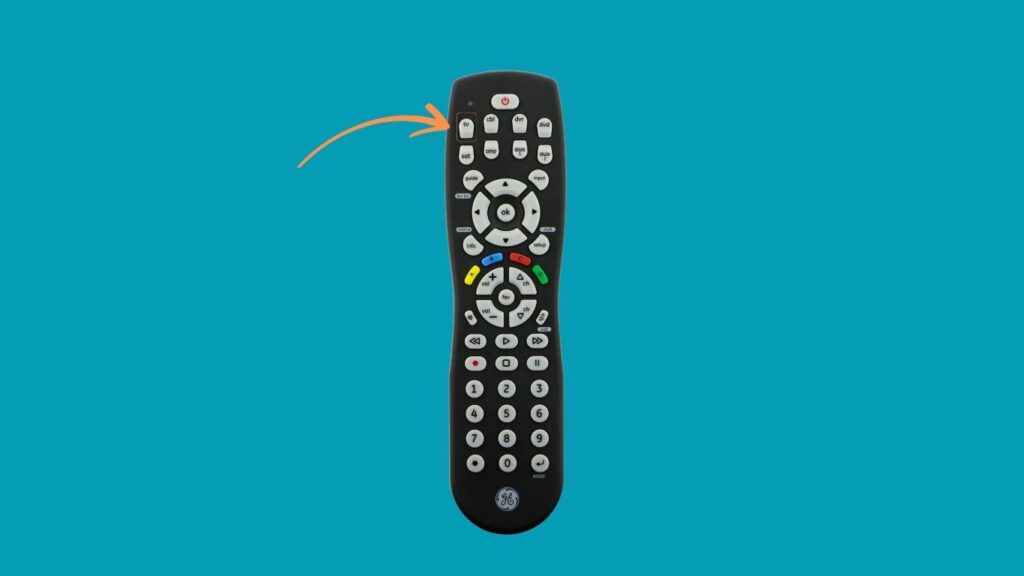
Step 5: Enter a valid code from the Element TV code list. Refer to the code list above for comprehensive 3-digit, 4-digit, or 5-digit codes based on your remote brand.

Step 6: Once entered, the light should blink twice or turn off, indicating a successful entry. If not, try the next code in the list.
Step 7: Test the remote by pressing the Power, Volume, or Channel buttons. If the TV responds, the programming is successful.
Note: If the remote doesn’t respond, repeat the process with a different code.
Without Codes
If you don’t have access to a list of remote codes, don’t worry; many remotes offer a code-less programming method using built-in scanning functions.
Step 1: Power on your Element TV manually.
Step 2: On your universal remote, press and hold the Device and OK buttons at the same time for about three seconds or until the remote’s LED light remains lit.
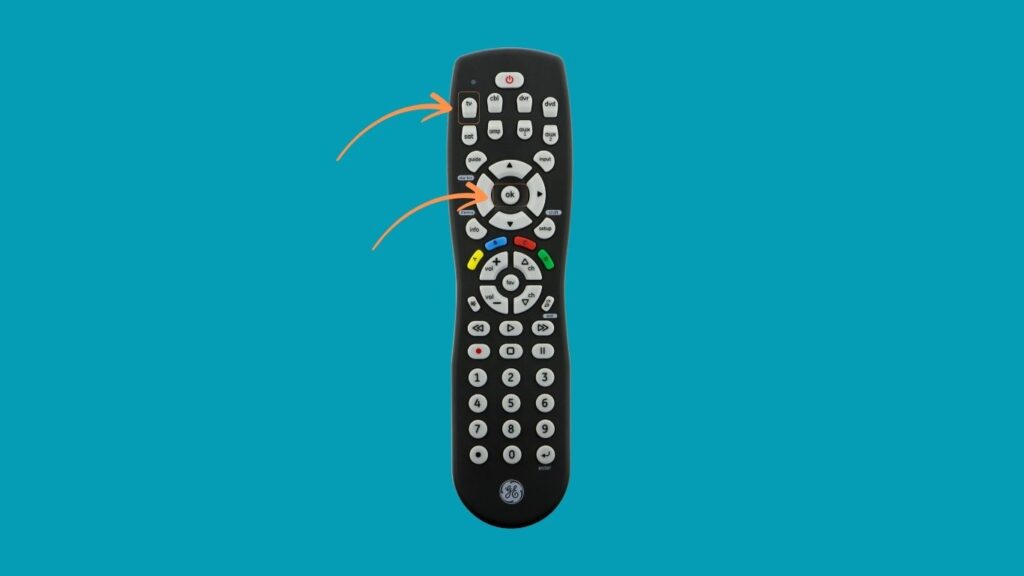
Step 3: Point the remote at your TV and press the CH+ or CH− button repeatedly. This initiates the remote’s internal code scan to find the right signal that works with your TV.
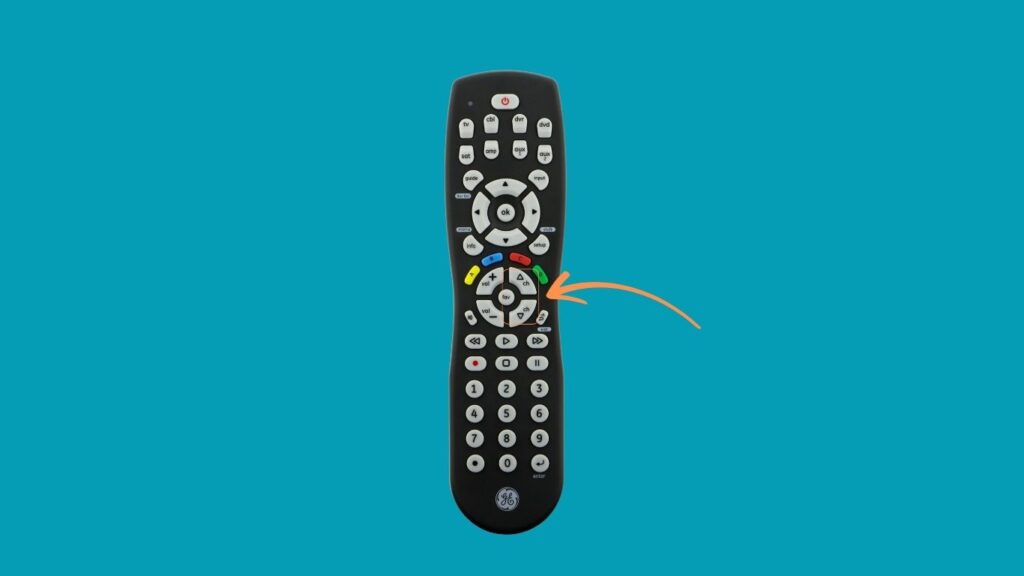
Step 4: Once the TV turns off during this scan, press the Power button to turn it back on.

Step 5: To confirm and save the pairing, press the Device button again (e.g., TV). The indicator light should blink to confirm.
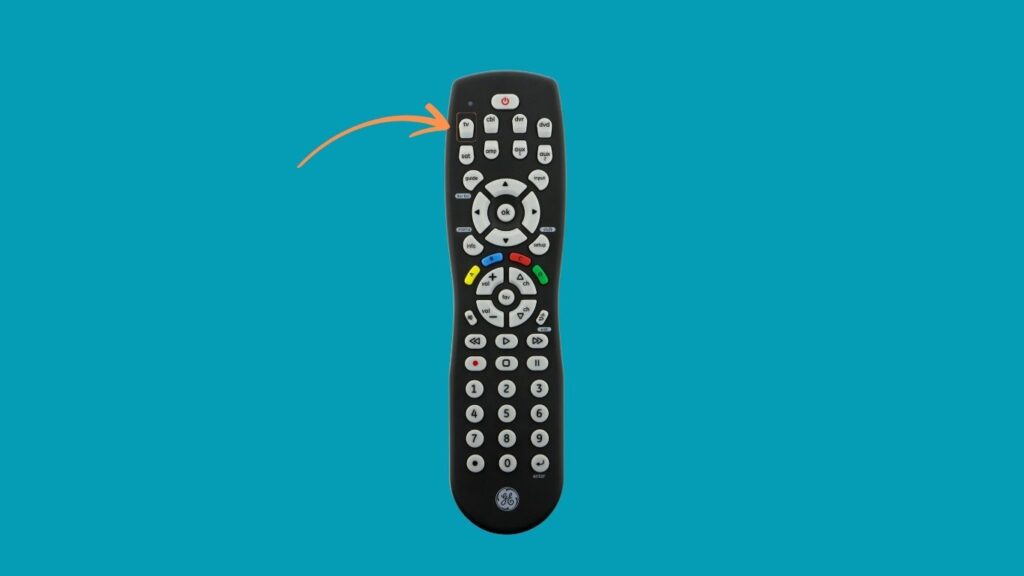
Note: This method might take a few minutes, depending on how many codes the remote has to scan.
Auto Code Search Method
If you don’t have access to the Element TV remote codes or want to avoid trial and error, the Auto Code Search (also known as the Code Search Feature) offers a quicker and more automated way to program your universal remote.
Step 1: Begin by powering on your Element TV manually.
Step 2: On your universal remote, press and hold the Setup button. While holding it, enter the numeric sequence 9-9-1. This sequence tells the remote to begin scanning for a compatible code.
Step 3: Once the code is entered, release the Setup button but continue holding the Power button.
Step 4: While still holding the Power button, begin pressing the CH+ button repeatedly. Each press causes the remote to cycle through its built-in list of TV codes. Pause for a second between each press to allow the remote to send the code and wait for the TV to respond.
Step 5: When the TV powers off, release the Power button. This indicates that the remote has found a working code.
See More Universal Remote Code List For TV Types: