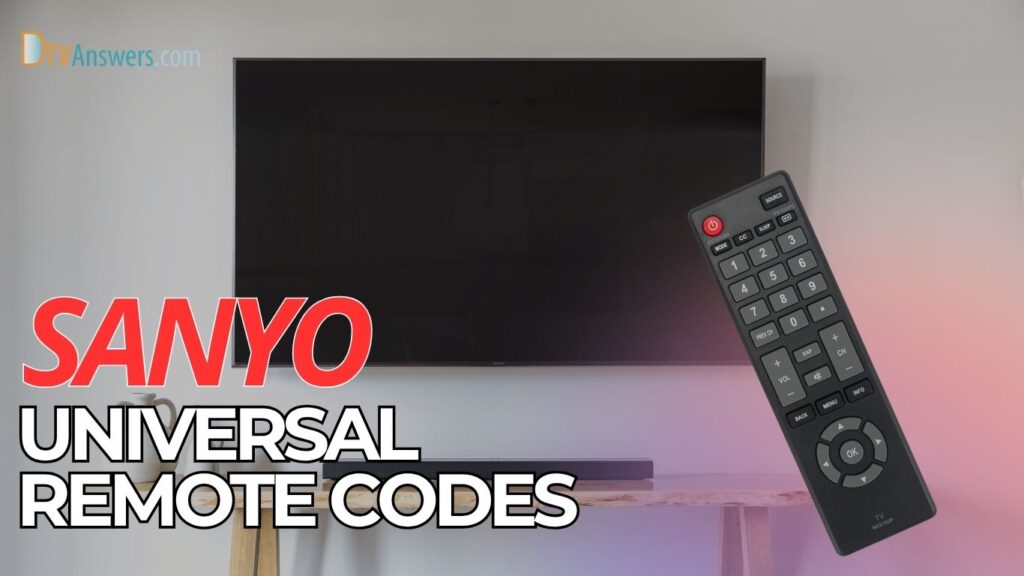
Many Sanyo TV owners use universal remotes, and finding the right code is the first step to getting everything working smoothly. And programming the remote for your TV is no rocket science. This guide will bring together a complete list of Sanyo TV codes and clear programming instructions for you.
In This Article:
All Sanyo TV Remote Codes
While most Sanyo TV remotes are compatible with 3-digit remote codes, some might use 4-digit and 5-digit ones. Also, the exact code depends on the device brands. Check out the table below for details:
| Remote Codes | |
| 3-digit | 090, 589, 533, 050, 017, 104, 107, 081, 159, 601, 084, 208, 720, 000, 720, 517, 601, 726, 053, 108, 021, 514, 146, 036, 187, 089, 049, 063, 050, 090, 208, 080, 631, 004, 081, 726, 104, 720, 720, 097, 180, 042, 181, 147, 146, 239, 720, 003, 653, 720, 266, 108, 587, 089, 084, 007, 842, 162, 110, 099, 108, 232, 020, 001, 014, 012, 083, 048, 720, 674, 720, 104, 001, 089 |
| 4-digit | 3861, 0556, 0037, 0486, 2279, 0412, 1142, 1741, 1585, 0208, 1047, 1581, 1208, 0170, 1037, 5241, 0049, 1043, 0036, 0264, 1095, 1052, 0508, 1362, 1004, 1163, 0009, 1647, 1465, 0801, 1049, 0012, 0361, 0735, 1288, 2871, 1291, 0412, 1507, 0311, 1346, 5241, 0268, 0319, 1042, 0157, 1645, 1204, 1261, 0054, 1391, 1348, 3531, 1756, 0031, 0801, 0709, 0142, 0706, 1041, 1371 |
| 5-digit | 10036, 13488, 10735, 10005, 19617, 10663, 10154, 11142, 10159, 11362, 14675, 12253, 11780, 13577, 10054, 12049, 15545, 17415, 10250, 10815, 11480, 13547, 13001, 10631, 10484, 10799, 10929, 19655, 15953, 18924, 13419, 10885, 11276, 19332, 19740, 11756, 10146, 14398, 10107, 12653, 10232, 11764, 11907, 11818, 12264, 10798, 12284, 16513, 10893, 10989, 11514 |
| RCA | 004, 069, 180, 023, 049, 013, 054, 025, 110, 108, 209 |
| GE | 0108, 0049, 0004, 0097, 0180, 0110, 0012, 0268 |
| Magnavox | 1037, 0370, 0556, 0208, 1585, 0009, 0373, 0292, 0486, 1208 |
| One for All | 11362, 11142, 10799, 10154, 10798, 10484, 10159, 13488, 14675, 10146 |
Bonus:
- Remote codes for Sanyo DVD players: 0895, 2050, 1919, 0873, 0670, 2393, 0896, 0695
- Remote codes for Sanyo soundbar: 20149, 611, 20000, 683, 20047, 10250, 21781, 590, 30531, 20149, 627, 20595, 661, 20081, 30189, 10154, 21531
How To Program Sanyo Remote Control Codes
Step 1
Start by turning on both your Sanyo TV and the remote control you intend to program. It’s essential that the TV is in its regular viewing mode (not a special input or menu screen), that your remote is working, and that fresh batteries are installed.
Step 2
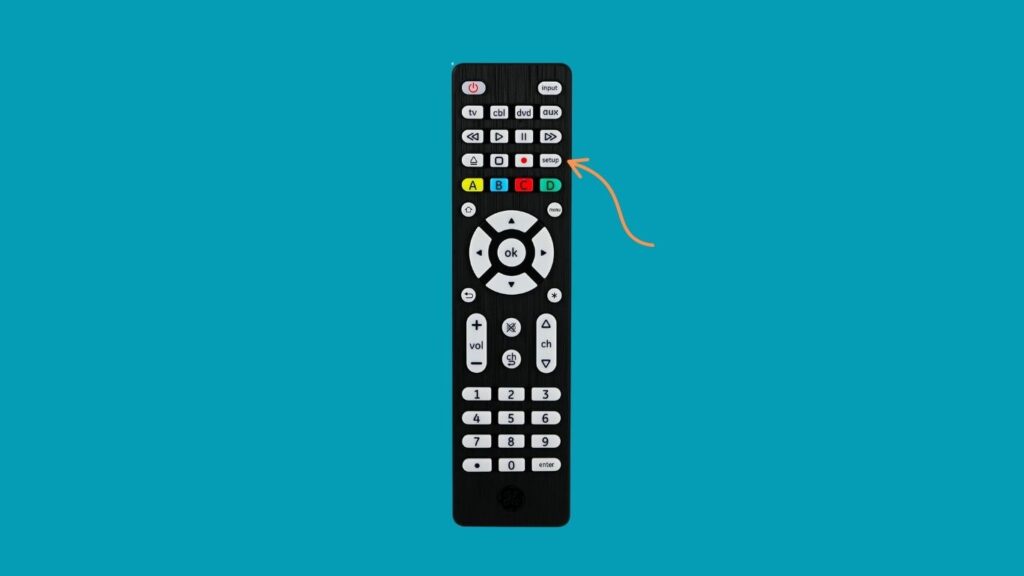
Locate the SETUP button on the remote. Press and hold it until an indicator light (usually at the top of the remote) turns on or flashes. This light signals that your remote is now in programming mode, ready to accept a new code.
Step 3
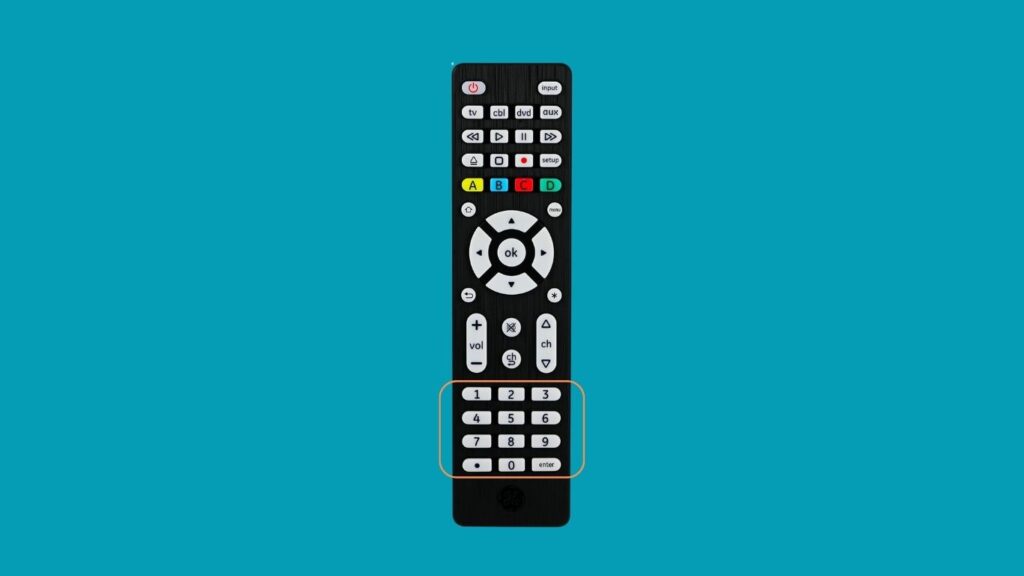
Using the numeric keypad on your remote, enter one of the codes from the Sanyo remote code list (see the 3-digit, 4-digit, or 5-digit codes in DS1). If you’re unsure which code to use, begin with the most commonly recommended ones, like 049 or 10154.
Step 4
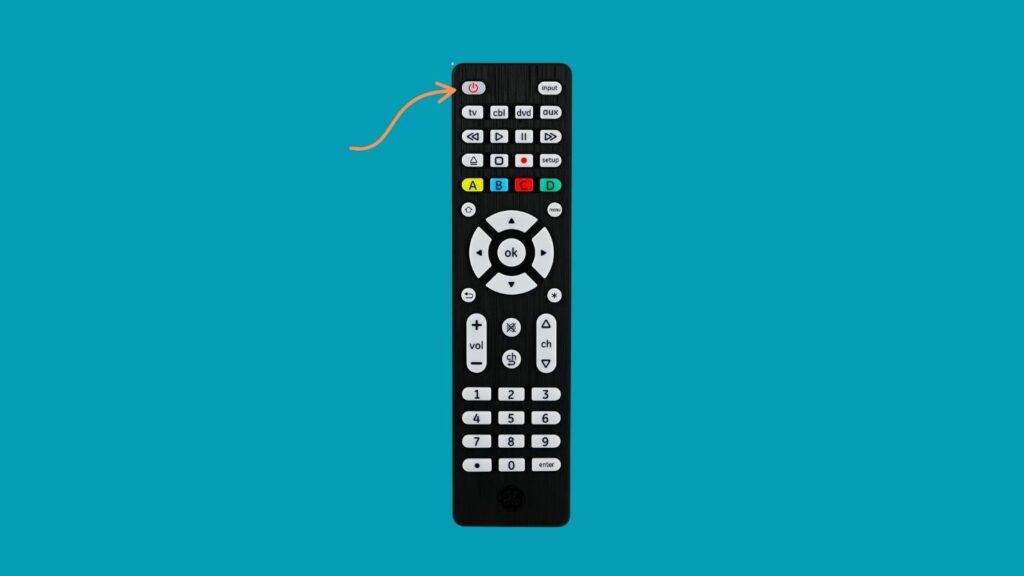
After entering the code, press the POWER button on the remote. If your TV turns off, the code is correct. If it doesn’t, repeat the process by holding SETUP again and trying the next code on the list. This might take a few attempts.
Step 5
Once you’ve found a working code, press the SETUP button again to store it in the remote’s memory. The indicator light should go off, confirming that the code has been successfully saved.
Step 6
Now that the remote is paired, test a few additional buttons (volume, input, menu, etc.) to ensure full functionality. If some features don’t respond properly, it’s likely the code only partially matches your TV model. In that case, try a different code.
Extra Tips
- Always start with the most common or recommended codes.
- Ensure the remote is pointed directly at the TV during programming.
- If none of the codes work, some remotes allow automatic code scanning, which cycles through all possible codes until one works.
Can I Program A Universal Remote For Sanyo TV Without A Code?
Yes, you can program a universal remote to a Sanyo TV without manually entering a code by using the auto code search or scan method. This feature is especially useful if you’ve lost the instruction manual or can’t find one from the list of codes above.
Below are the steps to do this using the automatic code search method:
Step 1
Ensure your TV is powered on and operating normally (not in a menu or special input mode). Also, make sure the remote control has working batteries.
Step 2
On your universal remote, press and hold the SETUP button until the red indicator light turns on. This places the remote in programming mode, allowing it to accept special function commands.
Step 3
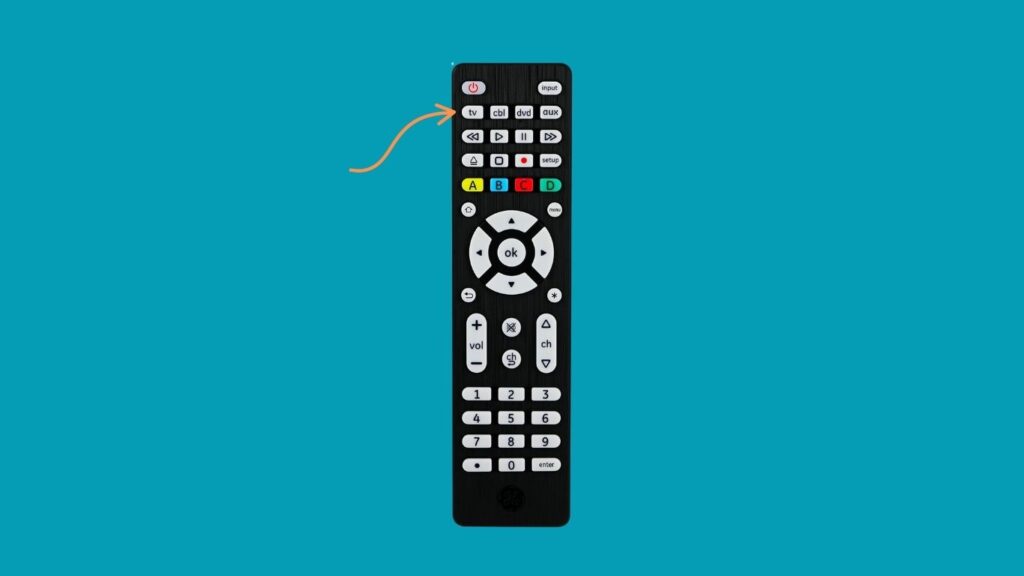
Press the button on the remote labeled TV (or a similar device selector, depending on your remote brand). This tells the remote which type of device you’re attempting to program.
Step 4
Now, press the POWER button repeatedly (every 1–2 seconds). Each press sends a different code signal to the TV. Watch your Sanyo TV closely during this step. When the TV turns off, it means a working code has been found.
Some remotes have a dedicated AUTO or SCAN button instead; refer to your remote’s manual for brand-specific instructions.
Step 5
Once the TV powers off, immediately press the SETUP button again to save the code into the remote. The indicator light should switch off to confirm the code has been stored.
Step 6
Test various buttons (volume, input, menu, etc.) to ensure all controls are responding. If some features don’t work, you may need to repeat the scan to find a better match.
I Programmed The Codes, But The Remote Is Still Not Working. What To Do?
Don’t worry; even with the correct Sanyo remote codes at your fingertips, you might encounter issues during the setup process. Here are some tried-and-true tips:
Check the Batteries
Weak or nearly dead batteries are one of the most common reasons remotes fail to respond. Always start by replacing the batteries with fresh ones before attempting to program your remote. A strong battery signal ensures that the remote can transmit codes effectively.
Re-enter the Universal Code Carefully
It’s easy to enter a wrong code; even a single incorrect digit will cause the programming to fail. Double-check that you are:
- Using the correct code length (3, 4, or 5 digits)
- Choosing a pairing code that matches your remote brand (e.g., GE, RCA, One for All)
- Entering the code accurately and completely before pressing any other buttons.
Use Direct Line of Sight
Ensure there is no obstruction between the remote and the IR receiver on the Sanyo TV. Infrared remotes require a clear line of sight. Even glass cabinet doors or bright lighting can sometimes interfere with the signal.
Verify TV Mode and Inputs
Ensure the TV is not stuck in a menu, HDMI input mode, or on a black screen. Some TVs may not respond to remote signals unless they’re in their default state. Turn the TV off and back on before trying again.
Reset the Remote to Factory Settings
If all else fails and none of the codes are working or if your remote is behaving erratically, performing a factory reset can clear any stored settings or faulty configurations.
- Remove the batteries from the remote.
- Keep pressing the Power button from 15 to 30 seconds to release any remaining power.
- Put the batteries back into the remote.
On many remotes, you can also reset by pressing and holding both the SETUP and TV buttons simultaneously until the indicator light blinks or resets.
See More Universal Remote Code List For TV Types: