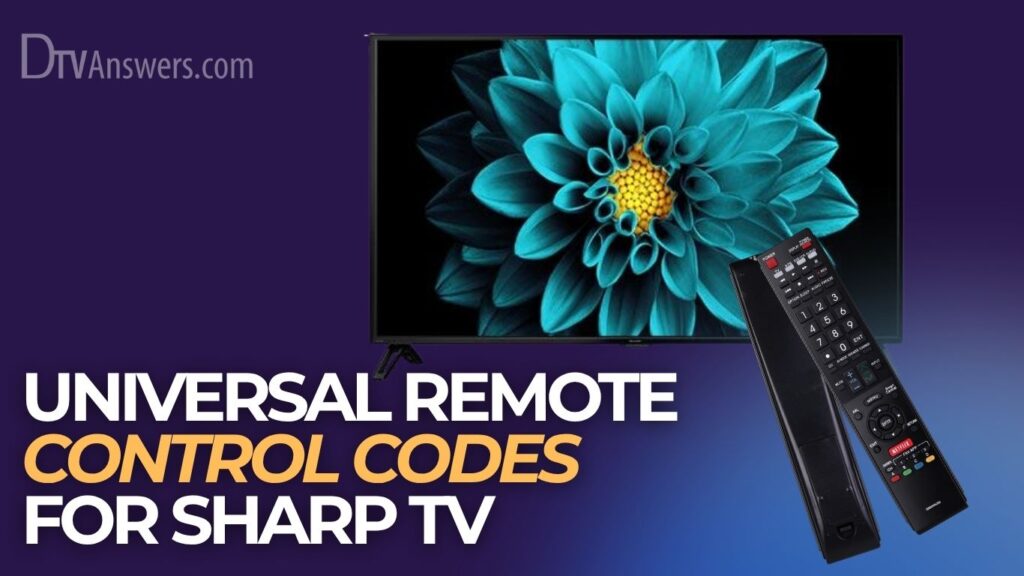
If you’ve got a universal remote and a Sharp TV, getting them to talk to each other can be a little tricky sometimes. Don’t worry; we’re here to help. This guide will walk you through finding the right remote control codes for Sharp TV so you can finally ditch that pile of remotes.
In This Article:
Universal Remote Codes For Sharp TV
Here’s a comprehensive list of Sharp TV remote control codes for different TV service providers.
| Brand/TV Service Providers | Remote Codes |
| DirecTV | 11641, 10818, 10093, 10153, 10157, 10165, 10281, 10688, 11393, 11917, 10039, 10386, 10491, 10851, 10689 |
| Philips | 11957, 0063, 0002, 12957, 14447, 120, 0913, 1718, 1441, 5341, 0709, 0680, 12859, 0224, 14346, 0681, 0120, 0509, 0001, 0461, 0907, 12561, 6001, 13450, 3181, 0036, 14545, 0695, 1441, 10005 |
| Dish Network | 521, 546, 556, 663, 627, 105, 108, 0688, 1756, 091, 2434, 0689, 4398, 107, 2183, 2049, 128, 836, 702, 026, 803, 835, 129, 0885, 0178, 0706 |
| Magnavox | 0058, 0028, 0040, 0034 |
| GE | 0095, 0266, 0226, 0079, 0063, 0122, 0006, 0020, 0009, 0123, 0004 |
| RCA | 1012, 1196, 1006, 1026, 1447, 1029, 1265, 1261, 1113, 1372, 1443, 1171, 1122, 1095, 1437, 1357, 1004, 1112, 1111, 1173, 1423 |
| Xfinity/Comcast | 10854, 10165, 11407, 10398, 10851, 11756, 10153, 10491, 11801, 10036, 10032, 10093 |
| Spectrum | 004, 684, 081, 028, 387, 022, 2434, 0178, 1075, 2049, 027, 705, 268, 308, 1457, 1010, 1006, 1025, 12049, 12434, 13867, 1346, 14398, 1011, 1004, 12104, 11457, 12360 |
| Sky | 1687, 2704, 0815 |
| Time Warner Cable | 0748, 0463, 386, 10463, 450, 10178, 400, 1463, 0178, 461 |
| Cox Communications | 1326, 10178, 0178, 1463 |
| One for All | 25643, 31331, 22514, 4618, 2360, 4740, 4507, 3519, 3394, 1659, 4398, 4121, 4892 |
How To Program Sharp TV Universal Remote For Different Providers
DirecTV
1. Begin by switching on your Sharp television and make sure it is not in standby mode.
2. On your DirecTV remote, press and hold the SELECT and MUTE buttons simultaneously until the light at the top of the remote flashes twice.

3. Using the number pad on the remote, enter one of the provided Sharp TV codes, such as 10818 or 10165.

4. While pointing the remote toward your TV, press the PWR (Power) button once to see if the TV turns off.

5. If the television powers down, the code has been accepted; if it does not, repeat the process using another 5-digit code from the list.
Philips
1. Start by turning on your Sharp TV or an existing working remote using the power button on the TV itself.
2. On your Philips universal remote, press and hold the SETUP button until a red indicator light becomes visible on the remote.
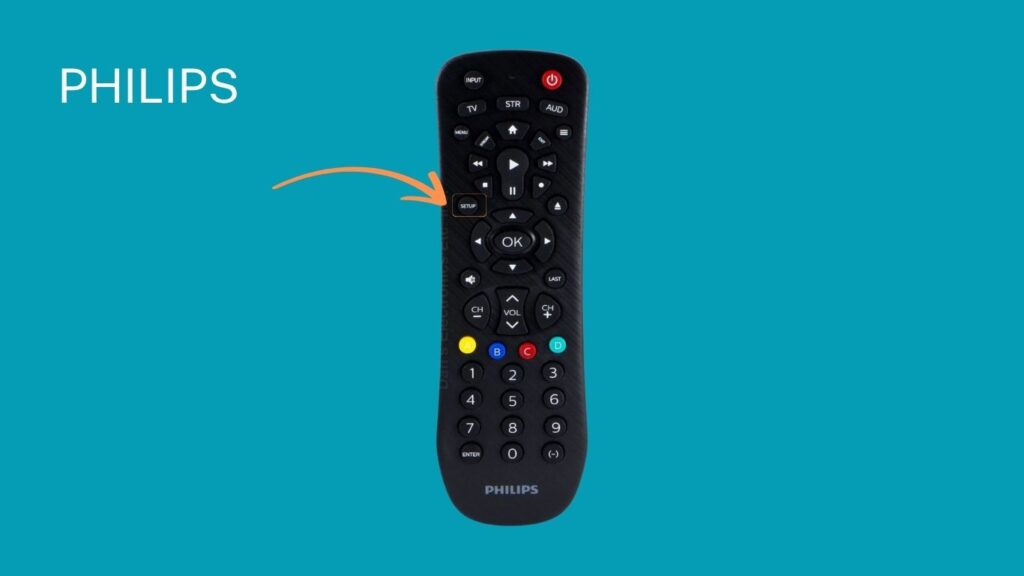
3. Press the TV button on the remote to indicate the type of device you’re trying to pair.

4. Enter a correct code from the list, such as 0509 or 0913, using the number pad on the remote.

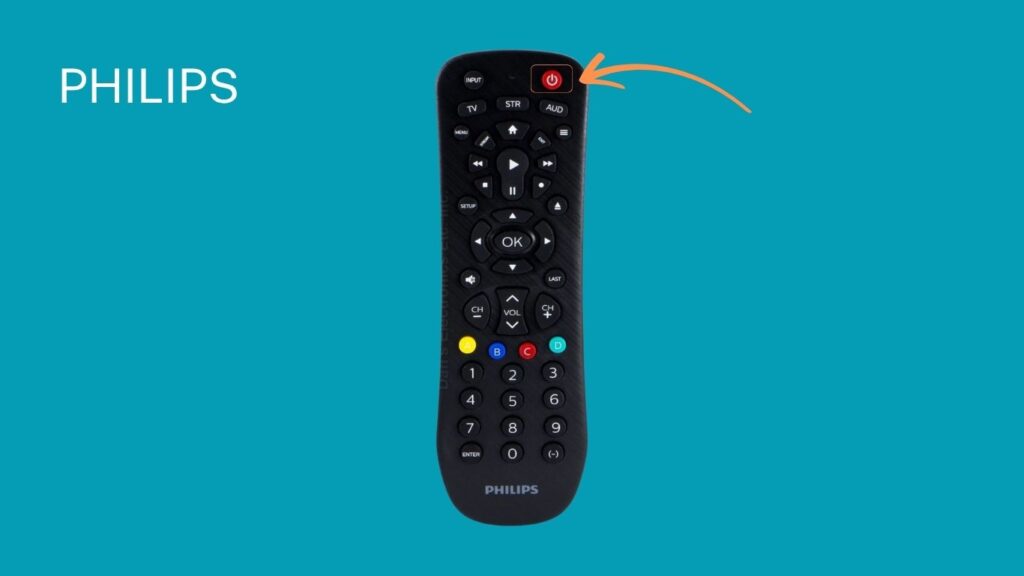
5. Try pressing the POWER button to test if the TV responds; if not, repeat with a different code.
Dish Network
1. Power on your Sharp TV and ensure it is not muted or displaying a blank screen.
2. Hold down the TV button on your Dish Network remote until the indicator light on the remote stays on.
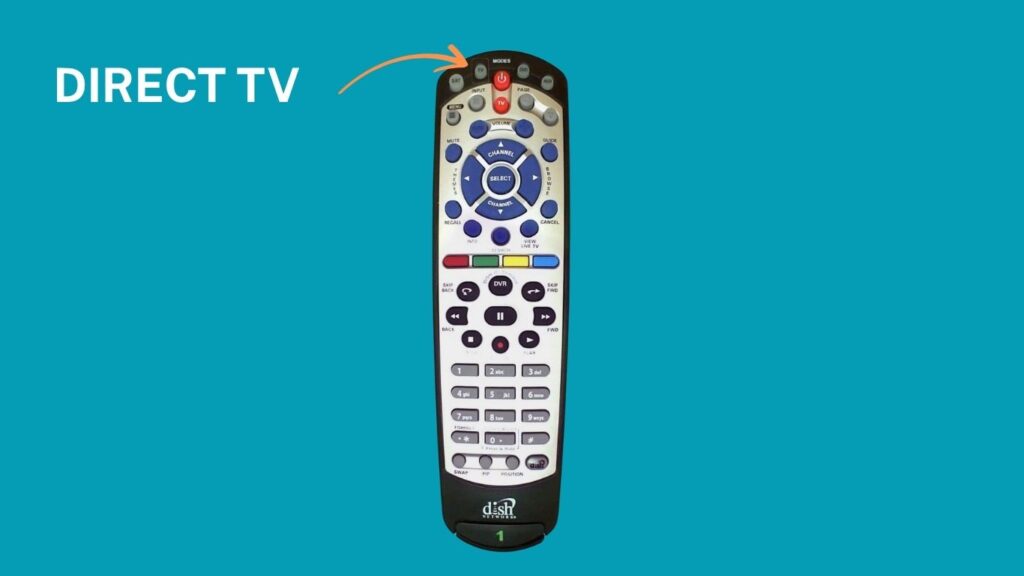
3. Enter one of the exact codes, like 521 or 0688, using the remote’s keypad.

4. Press the # key to confirm the code; the indicator light should blink three times and then turn off if the code is accepted.

5. Try using the remote to control the TV; if it doesn’t respond, repeat the steps with another code.
Magnavox
1. Turn on the Sharp TV that you wish to control with the Magnavox universal remote.
2. Hold the Code Search button on your remote until the LED light remains lit, signaling that it’s ready to accept input.

3. Press the TV button on the remote to specify the device type.

4. Input one of the Sharp codes, such as 0058 or 0028, using the number buttons.

5. If the LED light turns off after entering the code, it means the setup was successful; otherwise, try a different code.
GE
1. Make sure your Sharp TV is powered on and that nothing is obstructing the remote sensor.
2. Press and hold the SETUP button on your GE remote until the red indicator light remains steadily lit.

3. Press the TV button to indicate that you are programming the remote for a television.
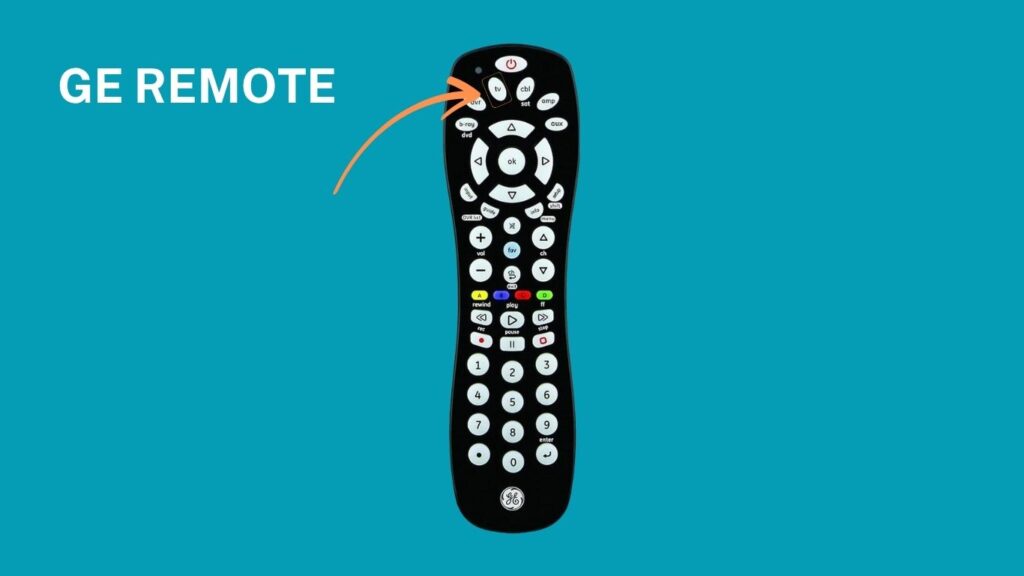
4. Enter one of the Sharp TV codes, like 0004 or 0063, using the keypad on the remote.

5. If the red light turns off after entering the code, it means the remote has been successfully programmed.
RCA
1. First, turn on your Sharp television manually or with an alternate working remote.
2. Press and hold the TV button on the RCA remote until the power button light on the remote illuminates.

3. Release the TV button, then enter one of the RCA codes for Sharp TVs, such as 1004 or 1026.

4. If the power button light turns off, it indicates that the remote has accepted the code.
5. Test the remote by using it to control volume or power; if it doesn’t work, try a different code.
Xfinity/Comcast
1. Begin by switching on your Sharp TV; ensure it’s set to the correct input source.
2. Press and hold the Setup button on your Xfinity or Comcast remote until the LED light changes from red to green.

3. Enter a valid Sharp TV code, like 10851 or 10093, using the number pad on the remote.

4. If the LED blinks green twice, the code has been entered correctly and accepted.
5. Attempt to control your Sharp TV using the remote, and if it doesn’t respond, use a different code.
Spectrum
1. Turn on your Sharp TV and make sure it’s functioning properly.
2. Hold the SETUP button on the Spectrum remote until the LED light begins to blink.

3. Enter one of the compatible codes for Sharp TVs, such as 004, 2434, or 2049.

4. When the LED stops blinking, the code is accepted successfully.
5. Test the remote’s performance by pressing the POWER or VOLUME buttons and see if the TV responds.
One for All
- Switch on your Sharp TV and make sure the remote has fresh batteries.
- Hold the SET, MAGIC, or SETUP button on the remote until the LED light blinks once, then twice.
- Press the TV button to tell the remote which device you’re programming.
- Input a Sharp TV code like 22514 or 4121 from the list.
- Test the remote to see if it controls your TV; if not, repeat the setup process with a different code.
What If I Can’t Find Sharp Universal Remote Codes?
You can program a universal remote to work with your Sharp TV even if you don’t know the right code. Here’s how:
- First, turn on your Sharp TV.
- Next, put your universal remote into programming mode by pressing the button labeled either Setup, Program, or Magic.
- Then, press the TV button on your universal remote.
- After that, press and repeatedly hold the Power button on the universal remote until your Sharp TV switches off.
- Manually turn your Sharp TV back on. Then, press the Volume Up button on the universal remote. The remote will now try out different codes. When your TV turns off, press the TV button to save that code. If the TV doesn’t turn off, keep pressing the Volume Up button every few seconds until it does.
- Finally, turn your Sharp TV on and try pressing some buttons on the universal remote to check if the TV responds correctly.
See More Universal Remote Code List For TV Types: