
You’ve locked in the date. The gear is sorted. You’ve spread the word everywhere. Then you go live, and four people show up, two of whom are your own colleagues.
Hosting a live streaming event sounds easy in theory. Getting people to genuinely tune in, stay hooked, and come back for more? That is the real challenge. The tech is the manageable part. Building something worth watching is where most people fall short.
Whether you are planning a product launch, a panel, or a hybrid conference, the principles are the same.
In This Article:
Tips to Host a Live Streaming Event
The most common mistake is treating a stream like a casual recording. A successful broadcast needs a clear purpose, solid preparation, and the right tools.
Before anything else, ask yourself: what do I want viewers to walk away with? That one question drives every other decision.
Choose the Right Streaming Platform
Not every streaming platform suits every audience. YouTube Live works well for public reach, especially if you’re part of the YouTube Partner Program, which unlocks monetisation tools and better discoverability. LinkedIn suits B2B content well. Facebook works for community-focused events.
Meet your audience where they already spend time. Don’t push them onto a platform they’ve never used.
Sort Your Tech Before the Day
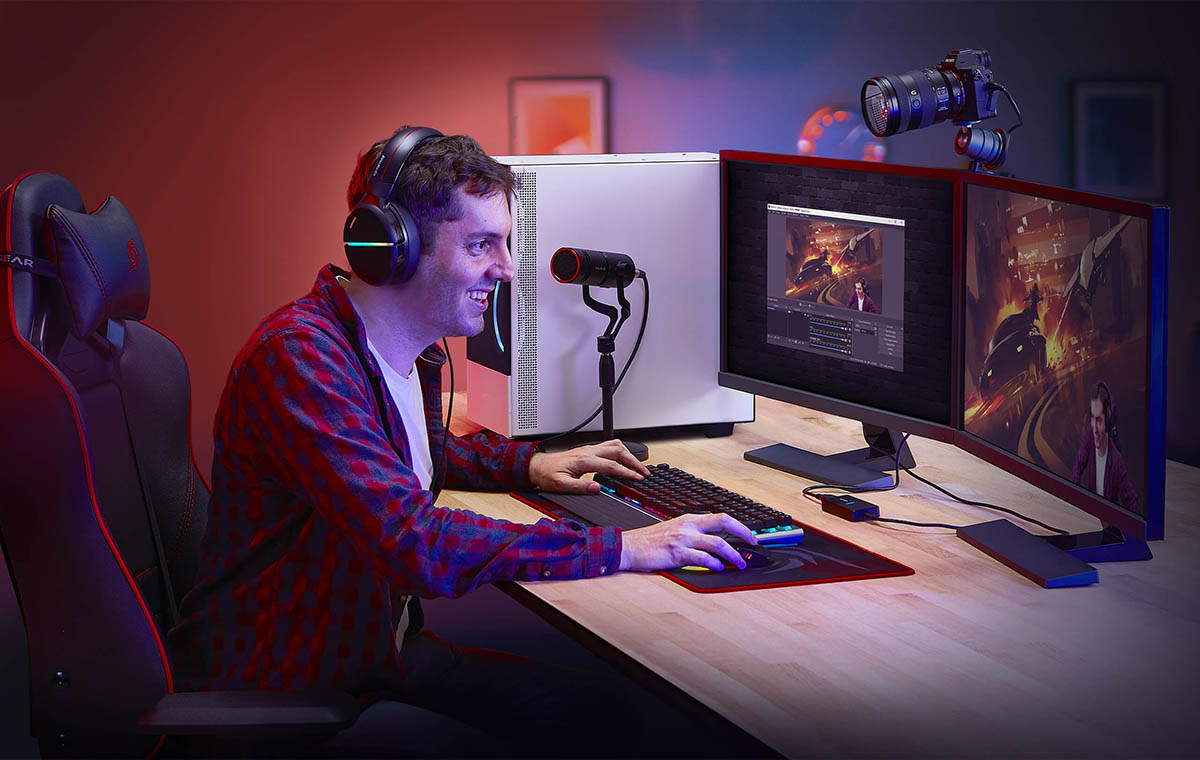
Buffering and bad audio kill streams fast. Lock down these basics in advance:
- A wired internet connection, because Wi-Fi is not reliable enough for a live broadcast
- A quality external microphone, since audio matters more than picture quality
- A reliable camera with a backup mobile device on standby
- Encoding software tested and configured well before the day
Adaptive bitrate streaming is worth enabling if your platform supports it. It auto-adjusts video quality to match each viewer’s connection speed, meaning fewer dropouts and a smoother watching experience for everyone.
For lean setups, a mobile live stream from a modern smartphone works surprisingly well. Cameras are sharp, the apps are simple, and you can live stream instantly without a full production crew. Keep the device charged, on silent, and on a stable connection.
Promote Your Live Events Early and Often
A stream with no audience is just an unplanned recording. Start promoting at least two weeks out. Tease the topic, the guests, and the format. Build real anticipation so people block out the time. Use email, social media, and your website across every channel you have access to.
If you’re running professional events in Australia, the right production partner makes a real difference. Dream Engine specialises in end-to-end event production and offers expert live streaming services, covering hybrid conferences, corporate launches, and large-scale virtual events. They handle the technical execution and creative direction so your broadcast lands exactly the way it should.
Time zones matter for virtual events too. Schedule around your core viewers, not just what is convenient for your own calendar.
Go Live Across Multiple Platforms
Limiting yourself to one channel caps your reach. Pushing across multiple platforms at once means a bigger audience without extra effort.
Your uploaded videos keep working well after the event, too. Repurpose clips for social media, embed the replay on your site, and share the recording with anyone who missed it. The live stream is the launch, and the content keeps running long after.
Private Streaming: When You Need to Control Access
Not every event belongs in the public domain. Private streaming is the smart move for:
- Internal training and all-hands meetings
- Investor briefings and board presentations
- Premium paid workshops or member-only sessions
- Sensitive product previews
Most live Streaming Melbourne services offer private video access, including password protection, domain locking, and invite-only links. Test all of it from the viewer’s side before the day. You do not want paying attendees locked out or uninvited guests getting through.
Keep Your Concurrent Viewers Watching
Getting people to watch is one thing. Keeping them there is another. Passive streams bleed audiences. Active ones keep people engaged. Here is what works:
- Run live polls and Q&A to draw viewers into the conversation
- Acknowledge comments by name; it makes the experience feel personal
- Break long segments with demos, guests, or screen visuals
- Keep any pre-recorded content short and tight if you are mixing it in
Track your concurrent viewers throughout the broadcast. If numbers drop at a specific moment, that is your feedback. Adjust the format next time.
Always Test Before You Stream
Run a full rehearsal the day before. Check audio levels, video quality, internet stability, and your mobile device backup. Then log in as a viewer and watch it from their perspective, not yours.
Most stream failures are completely preventable. A 30-minute tech run the day before saves hours of stress when it matters most.
Your Audience Is Out There
Live streaming is one of the most powerful tools for real-time audience connection. But it only delivers when you arrive prepared. Pick the right platform, lock down your tech, promote early across every relevant channel, and stay genuinely present throughout the event.
Keep it focused. Keep it real. And always run the tech check before you go live.
The viewers are out there. With the right setup, they will actually stay.