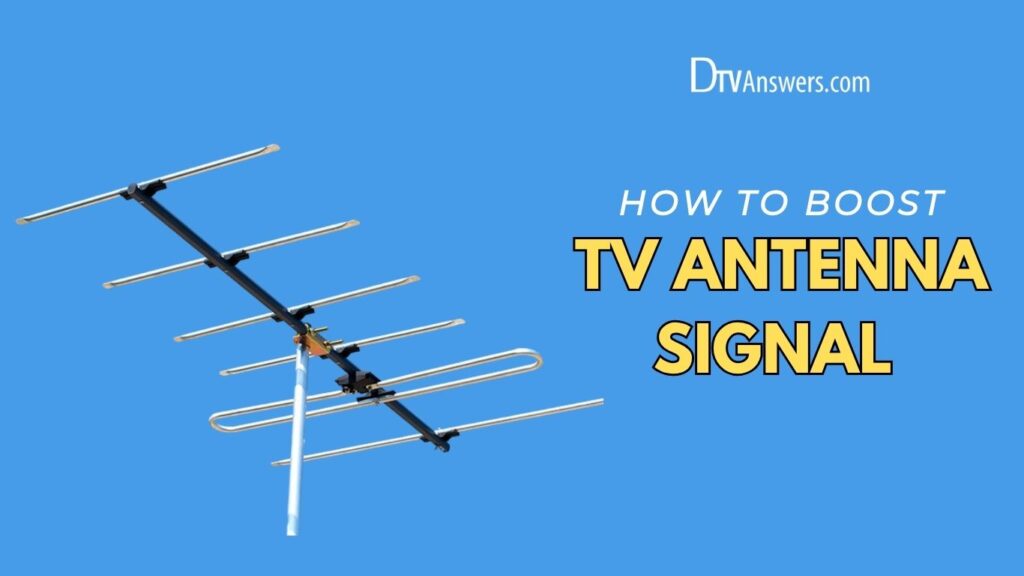
Wondering how we can boost my antenna signal without buying expensive equipment or calling in a technician? You’re not alone, and the good news is, it’s easier than you think. Whether you’re getting fuzzy channels or missing local stations altogether, these practical tips will help you get the clearest reception possible.
In This Article:
Boosting TV Antenna Signal With 15 Easy Ways
Try Moving Your Antenna to a Better Spot
Sometimes, all your antenna needs is a change of scenery! If it’s tucked behind your TV or buried in clutter, try placing the indoor antenna near a window or an outside-facing wall. This gives it a better chance of catching the signals being broadcast in your area. Every time you move the antenna, run a quick channel scan on your TV. Even small antenna placement changes, like moving it a few feet, can make a big difference in the over-the-air channels you receive.
Mount Your Antenna Higher Up
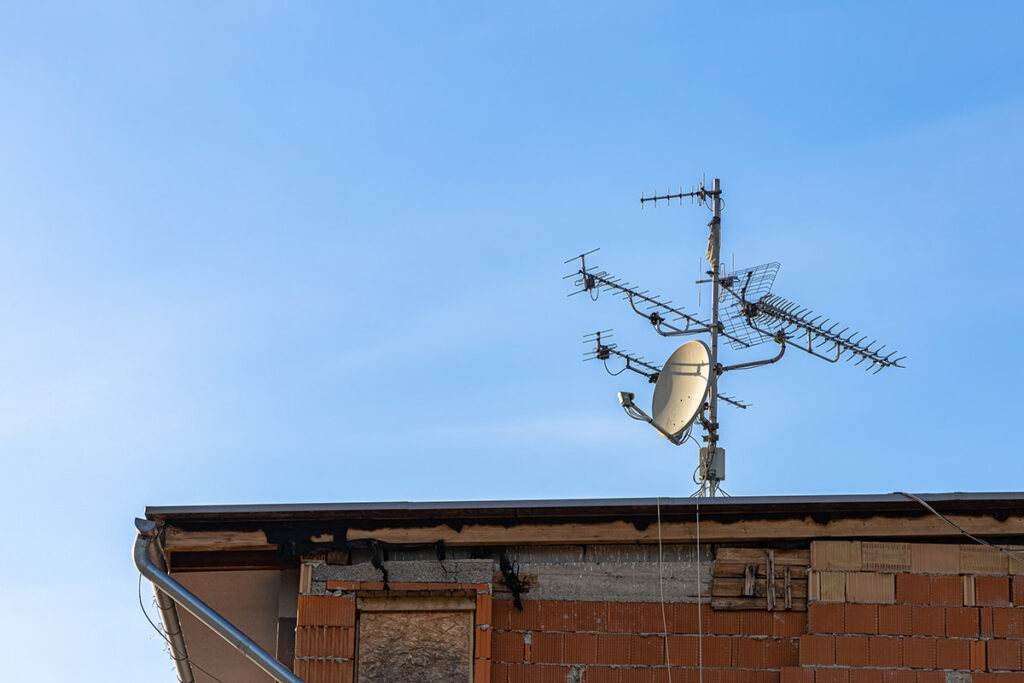
TV signals travel in straight lines and can be blocked by buildings, trees, or even your furniture. The higher your antenna is, the fewer things get in the way. If you can, mount it in your attic or on the roof.
An outdoor antenna usually works best, especially in rural or suburban areas. The extra height helps avoid signal loss caused by obstacles like walls or ceilings, and you’ll likely pick up more favorite channels in better picture quality.
Point It Toward the Nearest Broadcast Towers
If you’re using a directional antenna, you’ll want it to “look” right at your local broadcast towers. You can find out where these towers are using websites like AntennaWeb or TV Fool.
Once you know the direction, just aim your antenna that way, like pointing it east if most towers are east of your home. A little trial and error might be needed, but once it’s lined up properly, your reception can improve dramatically.
Upgrade to a Stronger, More Modern Antenna
Older or basic antennas might not be powerful enough to pick up today’s digital signals. Consider upgrading to a high-quality antenna that supports both UHF and VHF channels.
Directional antennas work great when towers are in one area, while omnidirectional ones are better if signals come from multiple directions. Also, antennas rated for outdoor or attic use usually perform better. Investing in a better antenna can solve a lot of reception problems right away.
Use a Signal Amplifier to Boost Weak Signals
If your TV picture keeps breaking up or channels are missing, an antenna amplifier might help as a TV antenna enhancer. These handy devices strengthen the signal your antenna receives before it reaches your TV.
They’re especially useful if you have long coaxial cables or live far from the broadcast towers. Just connect the amplifier between the antenna and your TV, plug it in, and you’re good to go. It’s a small change that can make a big impact on clarity.
Split Your Signal the Smart Way
If you’re sending the antenna signal to more than one TV, a regular splitter can weaken the signal. Instead, use a distribution amplifier. It looks similar to a splitter but actually boosts the signal to each connected TV.
That way, everyone in the house gets the same crisp picture without signal dropouts. These amplifiers come in different sizes, depending on how many TVs you need to connect, and are easy to set up.
Refresh Your Channel List by Rescanning
Sometimes your TV needs a little help finding all the available channels. After you adjust your antenna or change its location, be sure to run a channel scan on your TV.
It updates your channel list with any new or stronger signals. You can also reset your TV’s digital tuner by disconnecting the antenna, rescanning with no signal, and then reconnecting everything. This can help your tuner start fresh and catch channels it missed before.
Replace Old or Weak Coaxial Cables
The cable that connects your antenna to your TV plays a big role in signal strength. Old or thin coaxial cables (like RG59) can cause loss of signal or interference. Replacing them with newer, thicker RG6 cables can improve the quality of your reception.
Also, check the entire cable for signs of wear, bends, or damage. A clean, solid cable connection helps your antenna work at its best and prevents unnecessary signal drop.
Keep Cables Short and Tangle-Free
Long cables can weaken the signal before it even reaches your TV. Try to use the shortest cable possible between the antenna and the TV. Also, avoid running the antenna cable alongside power cords or near appliances, which can cause interference.
And don’t twist or sharply bend the cable! It can damage the wires inside. Keeping things neat and separated ensures clean and strong signals, especially in areas with lots of electronic devices.
Reduce Interference from Electronics and Structures
Everyday electronics, like microwaves, Wi-Fi routers, and even refrigerators, can interfere with your antenna’s signal. Try moving your antenna away from these devices or turning them off temporarily to test for interference.
Also, building materials like metal roofs, concrete walls, and stucco can block signals. Place your antenna where it has the clearest path to the broadcast towers, and avoid hiding it behind metal or thick walls whenever possible.
Add a Rotator to Adjust Direction Easily
If TV stations in your area are spread out in different directions, an antenna rotator can be a game changer. It allows you to turn your directional antenna without climbing onto the roof every time.
Some rotators even come with remote controls or dials so you can fine-tune the antenna direction from inside. This is especially useful if you want to switch between different networks located in opposite directions or if the wind moves your antenna.
Use Two Antennas for Better Coverage
If your local TV towers are far apart, one antenna might not catch them all. You can set up two antennas, each aimed at a different direction, and combine them using a coaxial signal combiner.
Be sure to use cables of equal length and keep at least 1–2 meters between the antennas to avoid signal interference. This setup gives your TV access to more stations from multiple directions without needing to rotate a single antenna.
Install an LTE Filter to Block Mobile Signal Interference
With so many cell towers popping up for 4G and 5G, some TV antennas pick up unwanted mobile signals. This can cause pixelation or even dropouts.
An LTE filter is a small device you can connect to your antenna cable. This TV antenna booster blocks those mobile frequencies so that only TV signals reach your tuner. These filters are affordable, easy to install, and can be a quick fix if your reception quality has gotten worse over time.
Keep Your Antenna in Good Shape
Like any outdoor equipment, antennas need a little TLC. Check it every few months for damage, rust, or loose parts, especially after storms. Clean off dirt or debris that might have built up. Tighten screws or bolts that hold it in place.
Besides, inspect your cables and connections to make sure everything is secure. Regular maintenance helps your antenna last longer and keeps your signal strong and steady year-round.
Get Help from a Professional Installer
If you’ve tried everything and still can’t get a clear picture, don’t stress! It might be time to call in a pro. An experienced installer can test signal strength, recommend the best antenna for your location, and make sure everything is set up just right.
This is especially helpful if you’re dealing with a roof installation, combining multiple antennas, or live in a tricky spot with lots of interference. A one-time setup can save a lot of frustration.
Final Words
After all, weak antenna signals are mostly due to a bad position. So, the easiest and quickest way to fix this is to change it to a higher spot, away from cable cords and other obstructions. If it doesn’t work, try the other ways we shared above!